SaaS Product – Case Study
Get detailed insights into the presentation design process with advanced reporting
Introducing a tool for professional presentation designers with features like file versioning, time tracking, resource management, automatic alerts, chat feature, integration of other tools, advanced reporting, automatic quotation creation, and professional selection based on budget and collaboration. Streamline and optimize your presentation design process with this powerful tool.

Year
2019
Company
Txlabs Formerly known as Jiniguru Pvt Ltd
Role
UX Research, Visual Design, Interaction Design, Project Management, End to end support
Team Members
Subham Chakraborty, Tushar Patil, Devendra Vithalpara, Kinjal Thakkar
Overview
WorkerAnt is a comprehensive project management tool designed specifically for professional presentation and Microsoft Word document designers. The platform aims to streamline the workflow of designers by integrating essential features such as file versioning, time tracking, resource management, and advanced reporting. By consolidating these functionalities, WorkerAnt seeks to enhance efficiency, reduce errors, and improve client satisfaction in the document and presentation design process.
Role
In the development of WorkerAnt, Dhruvin Dave played a pivotal role in conceptualizing and designing the user interface and experience. Collaborating with a team comprising Subham Chakraborty, Tushar Patil, Devendra Vithalpara, and Kinjal Thakkar, Dhruvin utilized tools like Miro, Adobe XD, Adobe Illustrator, Protopie, Invision, and Jira to bring the project to fruition. His contributions were instrumental in ensuring that the platform was both functional and user-friendly, catering to the specific needs of professional designers.
Challenge/Impact
The implementation of WorkerAnt has significantly improved the workflow of presentation and document designers. By providing a centralized platform that addresses common challenges such as version control, time management, and client communication, designers can now deliver high-quality work more efficiently. The tool's advanced reporting and automatic quotation features have also enhanced transparency and professionalism in client interactions, leading to increased trust and satisfaction.
Solution
To tackle professional designers' challenges, WorkerAnt integrates a suite of features tailored to their workflow. These include:
File Versioning: Allows tracking of different document versions to prevent confusion and data loss.
Time Tracking: Enables accurate billing and efficient time management.
Resource Management: Facilitates easy access to templates, graphics, and fonts.NBER+1UC San Diego Library+1
Automatic Alerts: Keeps users informed about upcoming deadlines and important events.
Chat Feature: Enhances real-time communication with clients and team members.
Integration with Other Tools: Allows seamless workflow by connecting with platforms like Google Drive, Slack, and Trello.
Advanced Reporting: Provides insights into project progress, time spent, and client feedback.
Automatic Quotation Creation: Generates professional quotes based on project scope and hourly rates.
By consolidating these features, WorkerAnt offers a robust solution that addresses the multifaceted needs of professional designers.
User Research
To understand the needs and pain points of presentation designers and their clients, we conducted user interviews and surveys with a group of professionals in the field. We asked about their current process for managing presentation projects and the challenges they faced. We also asked clients about their experience with the quotation process and their preferences for collaboration with design teams. Based on this research, we identified the following key requirements for the project management tool:
Ease of use: The tool should be intuitive and easy to navigate, so designers and clients can start using it right away without a lot of training.
Collaboration capabilities: The tool should allow designers to easily share and collaborate on documents and tasks with team members and clients.
Quotation module: The tool should allow clients to generate customized quotes for their projects and collaborate with the design team throughout the process.
Project tracking: The tool should provide an overview of the project status, including tasks that have been completed and those that are still pending.
Customization: The tool should allow designers to customize their workflow and project templates to fit their specific needs.
Primary user research/ User Group
After gathering our initial research, We had a pretty solid idea of our target market and potential users. But we needed some more first-hand insights to make sure we come up with the right solution. So, we went ahead with user interviews to empathize with the users and understand their needs and wants. For this project, we focused on 2 user groups:

Freelancers/In-house Designers

Clients looking for Professional Designers
User Interview-Freelancer
We interviewed 6 users, All interviews were done virtually, We Prepared a set of questions that I came up with after going around the problem statement a couple of times and doing a few short brain-storming session with the team and stake holders. The answers presented below are generalized for easy understanding.
User Interview-Clients Looking for Professional Designers
We interviewed the stakeholders for this & they helped us schedule interviews with some of their older clients, where we discussed the issues they were facing. All interviews were done virtually. The answers presented below are generalized for easy understanding.
How Might We
How might we streamline the project management process for presentation designers?
How might we improve communication and collaboration between presentation designers and their clients?
How might we simplify the quotation process for clients and designers?
How might we provide an overview of project progress and identify potential issues early on?
How might we customize the workflow and project templates to fit the specific needs of presentation designers?
How might we make the tool easy to use and intuitive for both designers and clients?
Competitor analysis
There are several competitors in the market that offer similar or overlapping features to the professional presentation and Microsoft Word design tool. Some of the key competitors include:
Asana: Asana is a project management tool that offers features such as task tracking, team communication, file sharing, and integration with other apps.
Trello: Trello is a project management tool that offers features such as kanban boards, task lists, team communication, and integration with other apps.
Google Drive: Google Drive is a cloud storage and file management tool that offers features such as file sharing, collaboration, and integration with other Google apps.
Microsoft Teams: Microsoft Teams is a team communication and collaboration tool that offers features such as chat, video conferencing, file sharing, and integration with other Microsoft apps.
Key Differentiators
One of the key differentiators of the professional presentation and Microsoft Word design tool is its focus on the needs of freelancers and clients in the presentation and Microsoft Word design field.
It offers specialized features such as file versioning, advanced reporting, and automatic quotation creation that are specifically tailored to this market.
Another differentiator is the tool's integration with other tools and apps. It allows users to connect their favorite tools and apps, such as Google Drive and Slack, into one place, which can improve their workflow and productivity.
Finally, the tool's preview the progress and comment feature allows users to review the progress of their projects and provide feedback in real-time, which can improve the quality of the final result
Strengths
Specialized features: The tool offers specialized features that are tailored to the needs of freelancers and clients in the presentation and Microsoft Word design field.
Integration with other tools: The tool allows users to connect their favorite tools and apps into one place, which can improve their workflow and productivity.
Real-time feedback: The tool's preview the progress and comment feature allows users to review the progress of their projects and provide feedback in real-time, which can improve the quality of the final result.
Weaknesses
Limited to presentation and Microsoft Word design: The tool is focused on the needs of freelancers and clients in the presentation and Microsoft Word design field, which may not be relevant to users in other industries.
Missing some features: While the tool offers a range of features, it may not have all the features that some users may need, such as advanced project planning or invoicing.
Limited integrations: The tool allows users to integrate with a limited number of other tools and apps, which may not meet the needs of all users.
To further develop the professional presentation and Microsoft Word design tool, there are a few things that could be considered:
Expand the scope of the tool: Currently, the tool is focused on the needs of freelancers and clients in the presentation and Microsoft Word design field. Expanding the scope of the tool to include other industries or types of work could make it more appealing to a wider range of users.
Add more features: While the tool already offers a range of features, there may be additional features that users would find useful. For example, adding project planning or invoicing features could make the tool more comprehensive.
Increase the number of integrations: The tool currently allows users to integrate with a limited number of other tools and apps. Increasing the number of integrations could make the tool more flexible and allow users to connect with more of their favorite tools.
Improve the user interface: The tool's user interface (UI) is an important factor in the user experience. Improving the UI, such as making it more intuitive or visually appealing, could make the tool more appealing to users.
Expand the marketing efforts: Reaching more users through targeted marketing efforts could help the tool gain more traction and attract more users. This could include advertising, social media marketing, or partnerships with influencers or industry organizations.
Seek user feedback: Asking users for their feedback and ideas for improvement could help the tool evolve and better meet the needs of its users. This could be done through surveys, user testing, or focus groups.
User Interviews
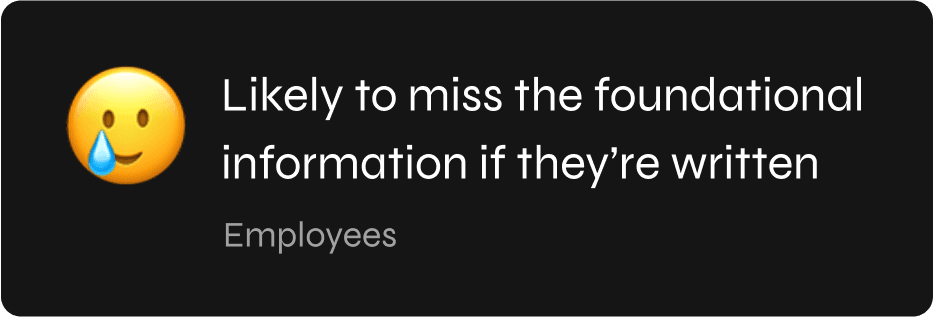
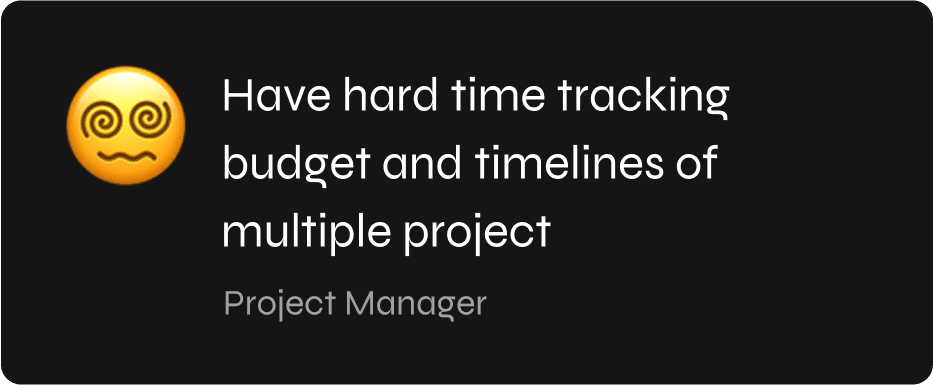
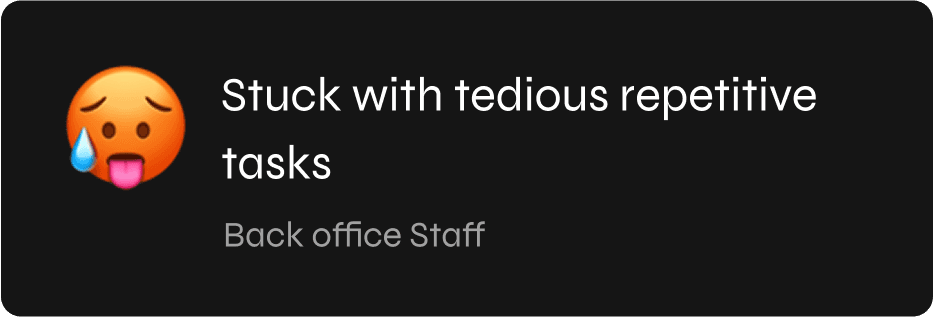
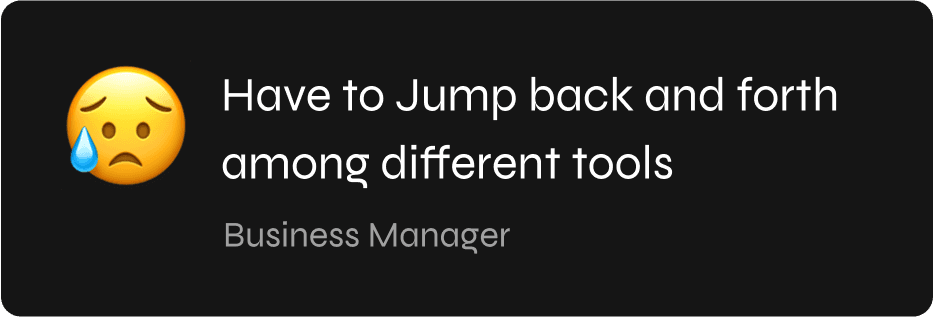
We Conducted a few user interviews to identify who the users are, what they do, what their goals are, and what struggles they have to suffer from.Being a tech business and going through the same problems every day allows us to have more intense sympathy and a better understanding.Those became such strong foundation for us to start working on this project.



Dashboard
The System is very attentive. Dashboards contains the overall picture of team’s work and results achieved.It helps to see the strengths and weaknesses of the team and help build the workflow properly and avoid mistakes in the future.

Tasks - Card View
As an alternative to table view, there is card view that allows to display a brief information about the project - this decision helps new employees get up to date on all the projects of the team.

Tasks - List View
After the project is created, the system begins to take care of it like a mother about her child and provide you with all the necessary information about how the work flows. By default all projects are displayed as

Message
As an alternative to table view, there is card view that allows to display a brief information about the project - this decision helps new employees get up to date on all the projects of the team.

Project Detail
As an alternative to table view, there is card view that allows to display a brief information about the project - this decision helps new employees get up to date on all the projects of the team.

Schedule
As an alternative to table view, there is card view that allows to display a brief information about the project - this decision helps new employees get up to date on all the projects of the team.

Document View & Review
As an alternative to table view, there is card view that allows to display a brief information about the project - this decision helps new employees get up to date on all the projects of the team.

Activity
As an alternative to table view, there is card view that allows to display a brief information about the project - this decision helps new employees get up to date on all the projects of the team.
